![FAES White Logo-1.png]](https://23986706.hs-sites.com/hs-fs/hubfs/FAES%20White%20Logo-1.png?height=50&name=FAES%20White%20Logo-1.png)
Logging in to an existing student account
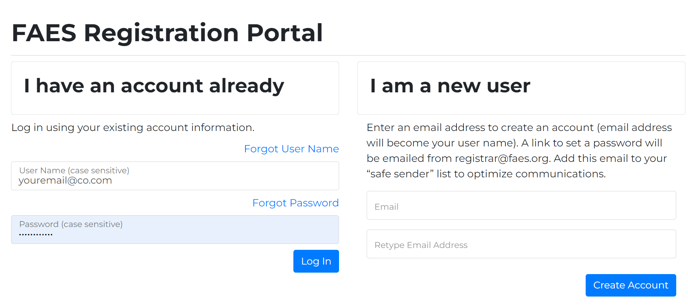
To access your existing student account, follow these simple steps:
1. Go to the website https://faes.org.

2. Enter your existing User Name and Password. Them, click on the "Log In" button.
For instructions on creating a new student account, click here.